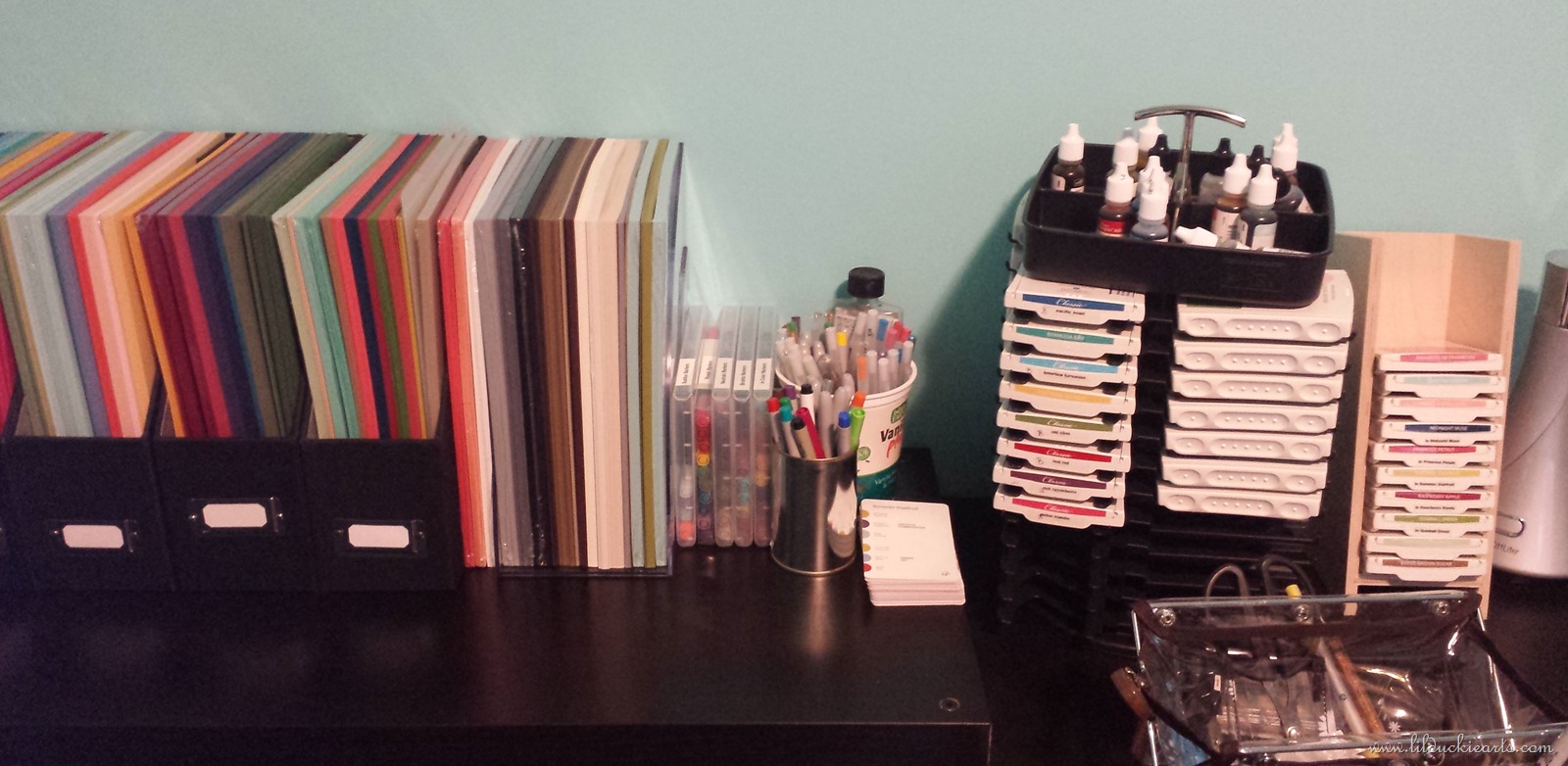
I don’t know about you, but I’ve struggled with different methods of storing my 12×12 sheets of Stampin’ Up! Designer Series Paper (it’s scrapbook paper, which I use all the time in card making). I had it standing upright in a paper storage holder, a bit like a magazine holder. No good. I couldn’t see what I had!
Next, I spread some of the sets out over a few shelves that I managed to free up of other things. This took up a LOT of space, and didn’t really let me see many of the papers either. Then I found this awesome tutorial while browsing through craft room ideas on Pinterest.
It’s not free to make, so why didn’t I just go buy a similar rack? They just aren’t for sale! At least, not around here. I found a few on EBay for $100+, which I wasn’t about to pay. Plus, I LOVE this one. It’s perfect. The 1” spacing is great, although you can always leave 2” if you prefer.
The cube shelving units are about $35 here in Canada (Canadian Tire, Walmart, Target), and Zap Straps are another $5-$8. My rack uses two shelving units, but I was donated one of them for free, so I think I invested about $43 into this. I’d imagine you could do it for less if you found some shelving units at thrift shops.
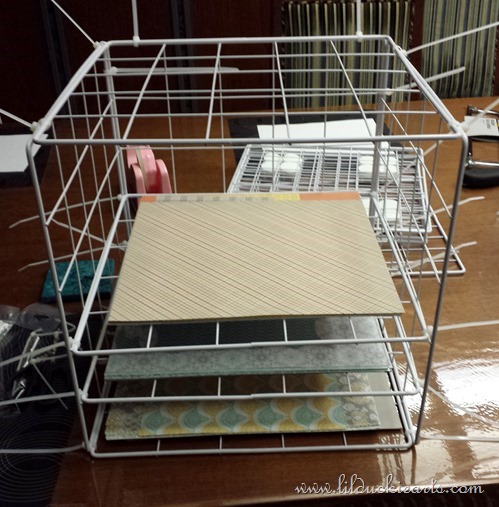
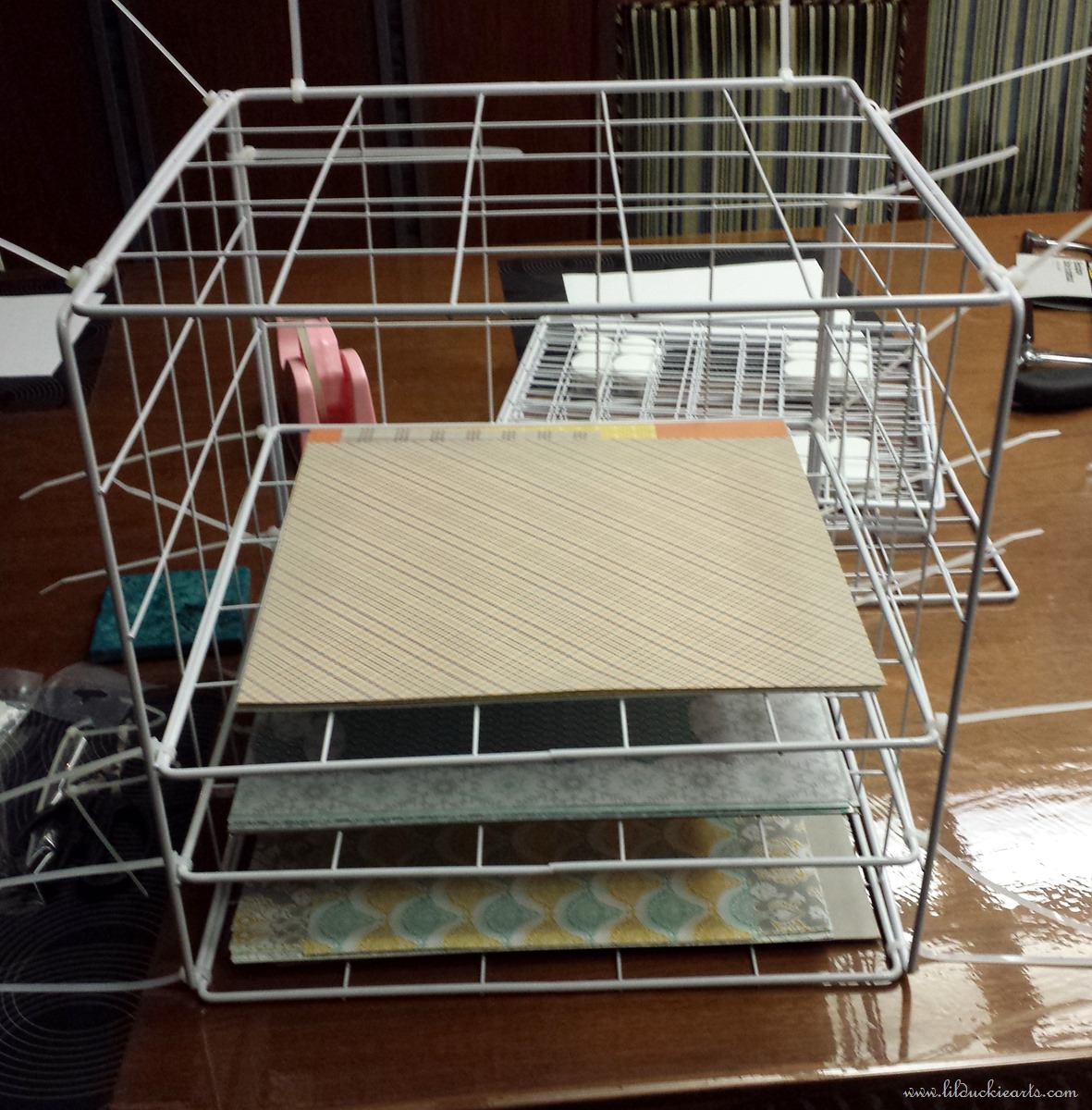
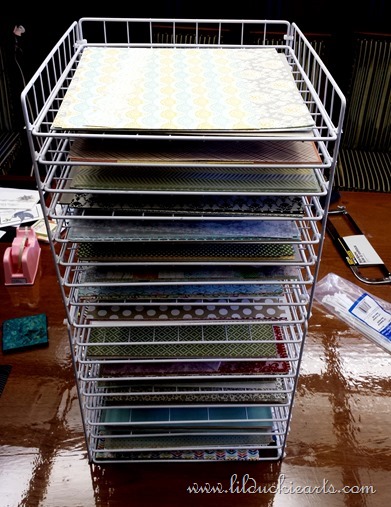
I started by putting together a cube using zap straps, and then adding the shelves in. Finish one level and create another. Snip off all the sticking out ends and it looks pretty good. Zap ties are strong, so they’re perfect for this project.
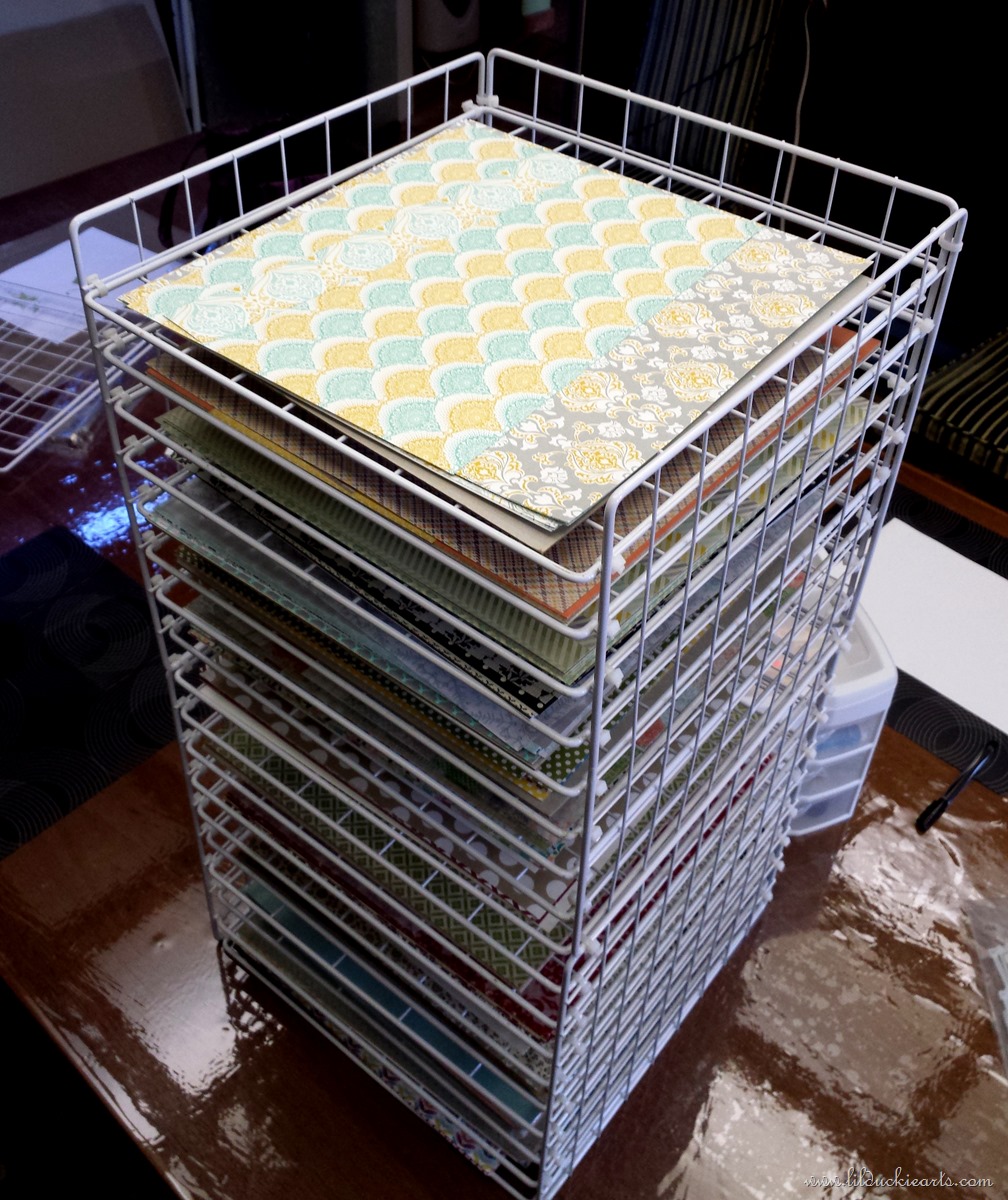
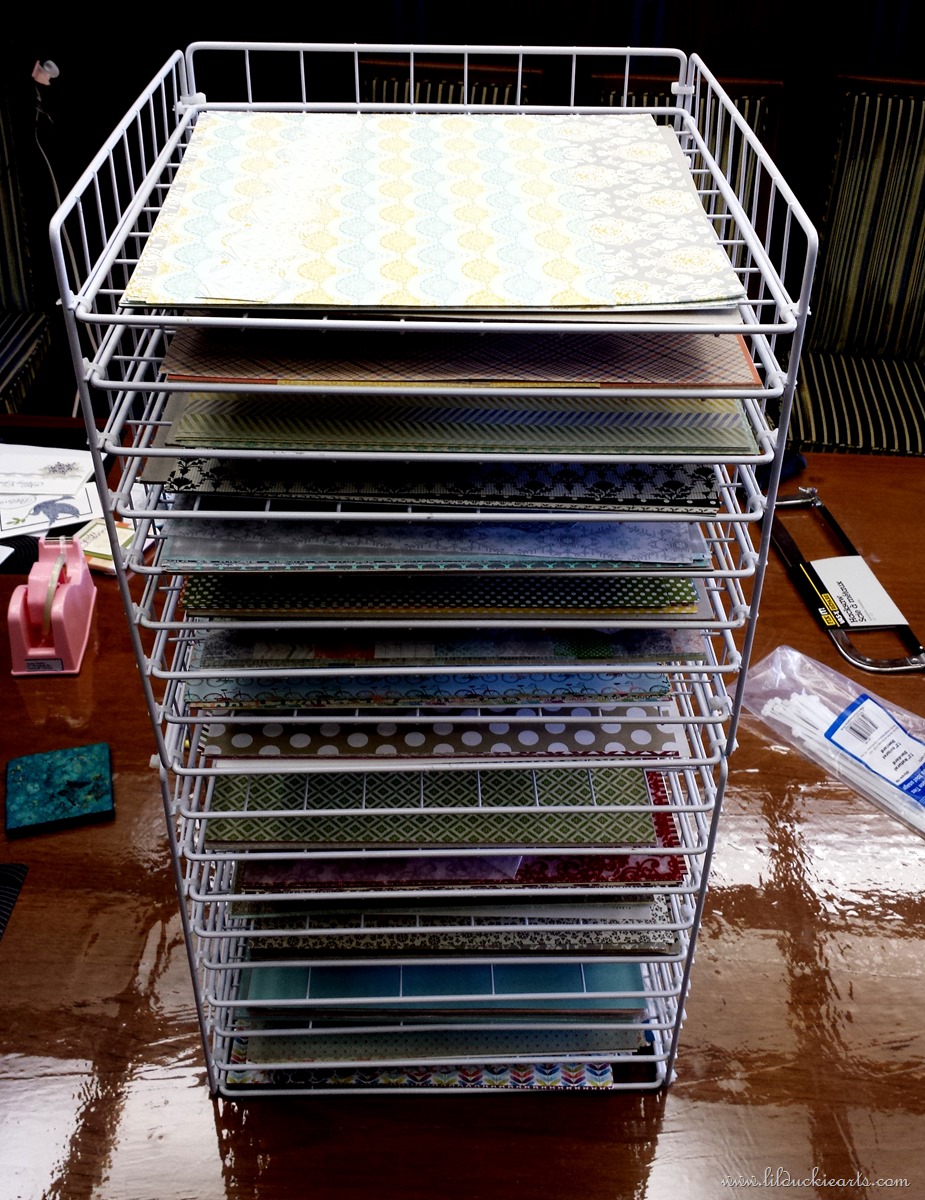
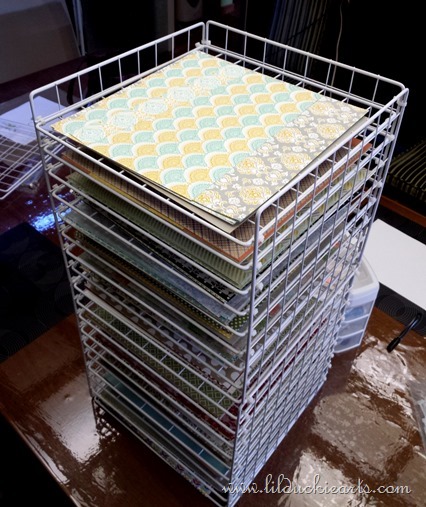
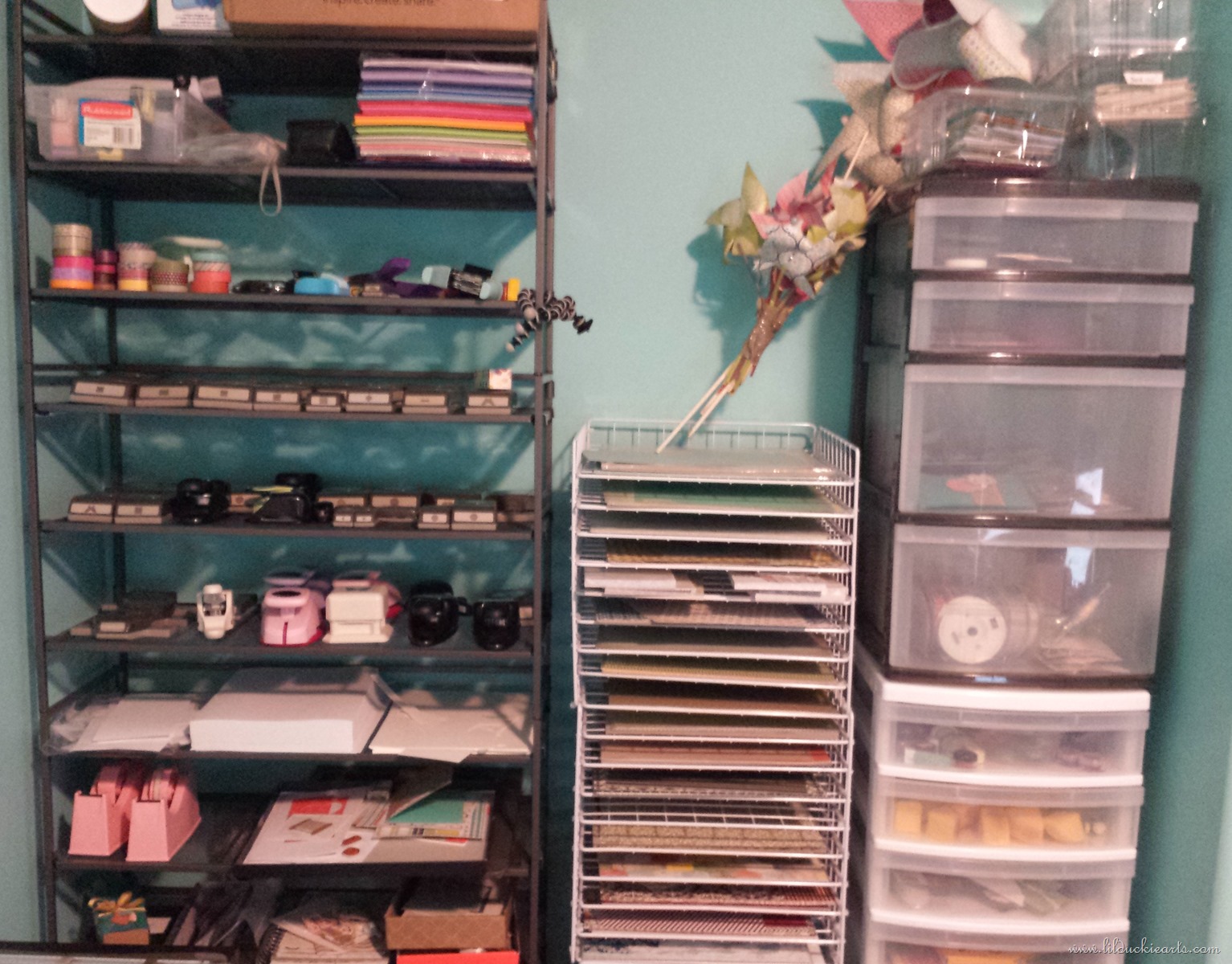
Here’s my completed paper storage rack, with 18 shelves. Love it! There’s something so rewarding about making something useful for yourself!




 :
: